Printable seating chart templates
For small parties or when time is short: print these templates and fill them in by hand. They are free, need no sign-up and carry a small “Made with Seating Chart Studio” note.
-
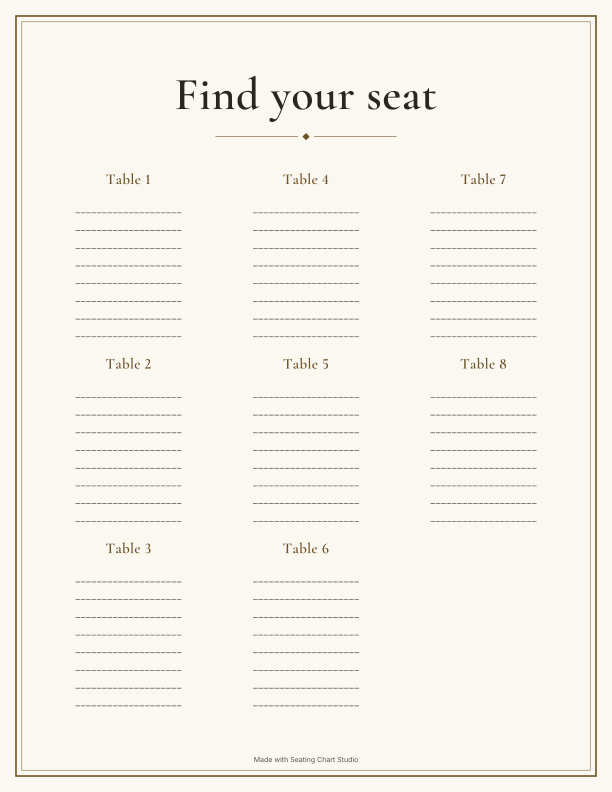
“Find your seat” chart to fill in
Eight tables with eight blank lines each. Print it, write in the names and put it up at the entrance.
US Letter, 1 page · PDF
-
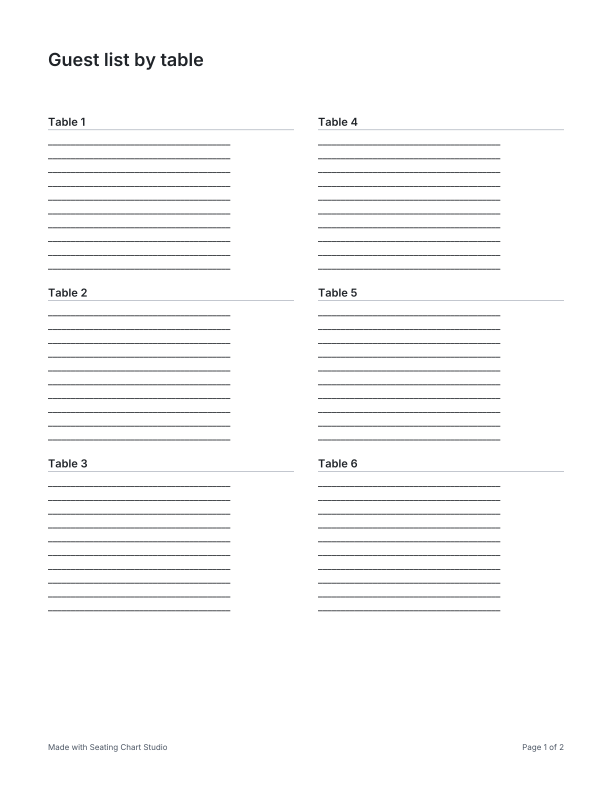
Table list to fill in
Ten tables with ten lines each. For your own planning, the venue or the kitchen.
US Letter, 2 pages · PDF
-
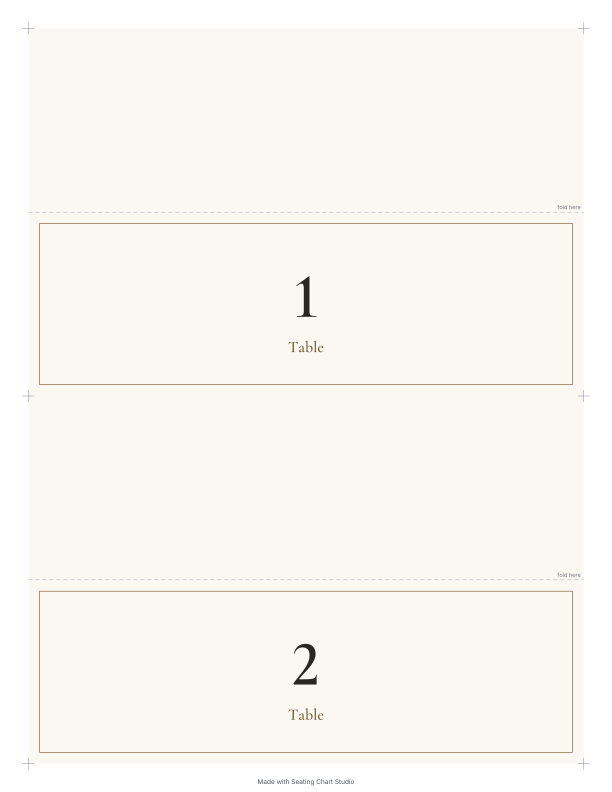
Table cards 1 to 12
Folded cards with table numbers, cut and fold lines. Two cards per page.
US Letter, 6 pages · PDF
-
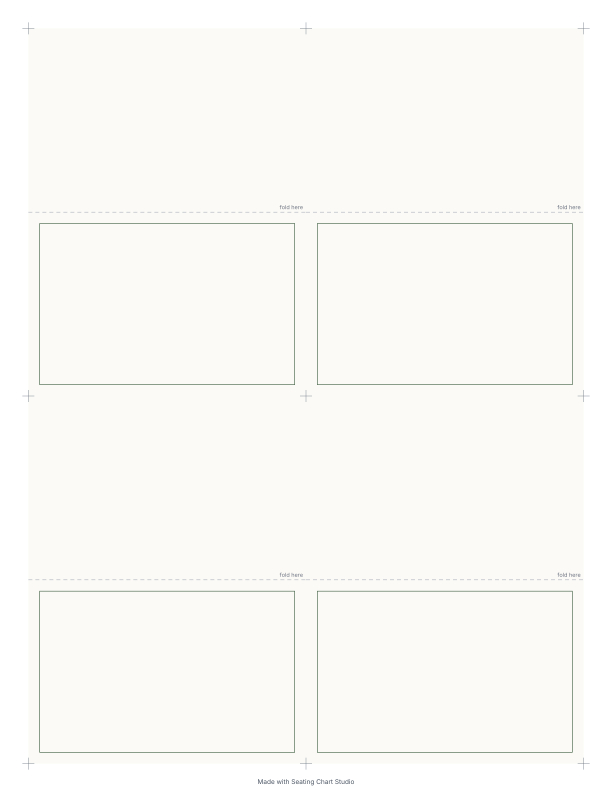
Blank place cards
Eight blank folded cards with cut and fold lines. Write the names by hand.
US Letter, 2 pages · PDF
Guest list as a spreadsheet
A blank template with the columns First name, Last name, Group, Meal, RSVP, Special needs and Notes. Fill it in, copy it and paste it into the planner – the columns are recognized on their own.
Faster with names
In the planner you enter each guest once. The floor plan and guest list come free, and posters and cards with names come with the Event Pass. When something changes, every printout is up to date at the next export.
Printing tips
- In your print settings, choose “Actual size” or 100 %, not “Fit to page”. Otherwise the cut and fold lines will be off.
- For cards, heavier paper from about 65 lb cover works well. Check what your printer can handle first.
- Do a test print on plain paper first.
- For a larger party, Letter size at the entrance is too small. The planner prints the seating chart up to 18 × 24 in.
Questions about the templates
- May I use the templates for my party?
- Yes. The templates are free for your private event. Print them as often as you like.
- Can I fill in the PDFs on my computer?
- The templates are meant to be filled in by hand. If you would rather work on a computer, the planner is faster: names appear correctly on every printout.
- Are the templates available without the note?
- Printouts without the note, with guest names and in all designs, come with the Event Pass in the planner.