Company holiday party seating chart: mix teams the smart way
Updated:
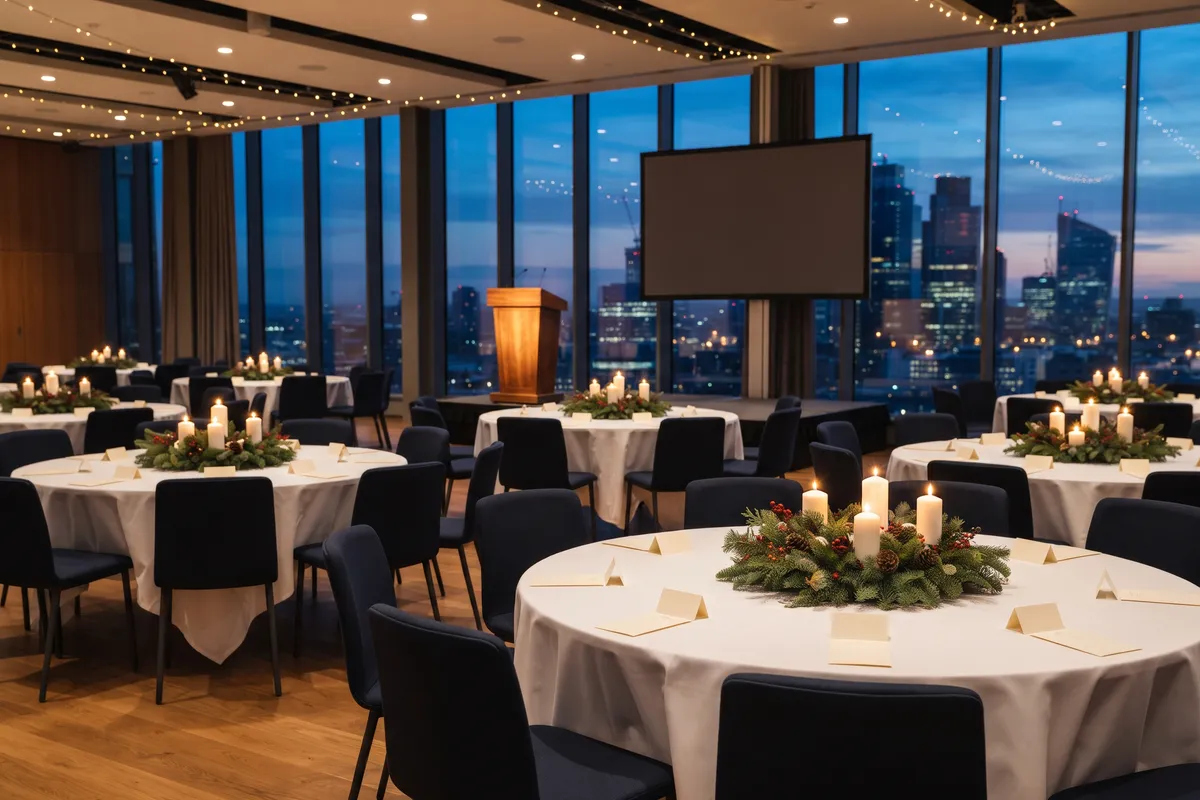
For most company parties, a middle ground works best: teams don’t sit entirely on their own, but in twos and threes at mixed tables, and everyone knows at least two people at their table. Only leadership, outside guests and anyone being recognized need assigned seats; everyone else gets a table and picks their own chair.
At a company event, seating has a different goal than at a wedding. It’s less about family peace and more about bringing together people who usually only trade emails, without anyone spending the night at the wrong table.
Mix it up or seat by team?
| Approach | Good for | Watch out for |
|---|---|---|
| By team | small companies, nights with many new hires | reinforces the usual cliques |
| Mixed | departments that work side by side but rarely talk | at least two people who know each other at every table |
| Middle ground | most parties | two or three teams per table, no more |
In the planner, teams are groups, such as “Sales” or “Chicago office”. Suggest a seating plan keeps groups together where it can; if a group is smaller than the table, other guests join it. That suits “by team” and the middle ground.
If you want to mix on purpose, seat tables by hand and check under View → Group colors whether each table is mixed enough. The seating wish “does not sit at the same table as” spreads people deliberately, for example two managers who should each host a different table.
Holiday party: what’s different
- Spouses and partners: decide early whether they’re invited. It can nearly double your headcount. Anyone bringing a plus-one sits next to them; in the planner, the With a plus-one (+1) checkbox adds the plus-one right away.
- Remote and out-of-town colleagues: seat them with the people they usually work with on video calls, so their first in-person meeting isn’t a night among strangers.
- Buffet or plated dinner: with a buffet there’s no meal choice, but you should still ask about allergies and dietary restrictions.
- RSVPs: a deadline about two weeks ahead, with a reminder a week before it closes, is a reliable rule of thumb. More in our guide to RSVP deadlines and reminders.
Executives, guests and awards
Only a few people need fixed seats: leadership, outside guests and anyone being recognized. Seat them near the stage and mixed in, not at a table nobody dares to join. An alternative: members of the leadership team sit at different tables and each act as host there.
Speakers and award winners sit on the aisle with a short path to the stage. Outside guests get a seat next to someone who knows them and can make introductions.
For everyone else, the Tables only seating mode is enough: each person knows their table and sits wherever they like there. It’s more relaxed and saves you a place card at every seat.
Name badges and check-in
From about thirty guests, name badges (Event Pass) help, because not everyone knows each other anymore. The planner prints them alphabetically, six per US Letter sheet at 4 × 3 in, the common size for badge holders, or ten per A4 sheet at 90 × 54 mm. If you like, the table and a group such as department or company appear under the name. Guests who declined are left out. Lay the badges out alphabetically at the check-in table and everyone finds theirs in seconds, with their table right on it.
To get people to their tables, use:
- a “Find your seat” poster, sorted alphabetically, in large sizes up to 18 × 24 in or A1 for big events (Event Pass),
- the seat finder with QR code (Event Pass): guests type their name and see their table and where it is in the room,
- the screen display (Event Pass) on a monitor in the lobby, which replaces the crowd in front of a printed chart at larger events.
Without the Event Pass you can plan up to 300 guests, with it up to 1,000. The floor plan and the guest list by table for your venue are free.
Allergies, accessibility and privacy
Ask about meal choices, allergies and needs such as wheelchair space ahead of time, easiest with RSVPs by link (Event Pass). Under Special needs you mark wheelchair, high chair or allergy, and a symbol appears at the table, so the venue knows where to remove a chair. The catering list (Event Pass) shows meals and notes with totals per table.
Health details are sensitive. Share them only with the caterer, don’t keep them longer than needed, and agree internally on who may see them. In the planner, your guest list and plan live in your browser. Shared links such as the seat finder are end-to-end encrypted, but anyone with the link can see the names. More in seat finder and caterer link.
The gala
For a gala with a program, add one rule: sightlines to the stage beat being close to the bar.
- Stagger the back tables so nobody stares at someone’s back.
- Leave about 5 to 6 ft between tables, edge to edge, and about 4 to 5 ft clear on main aisles (rules of thumb; the venue sets occupancy and emergency exits).
- Keep the servers’ route to the kitchen clear, including behind the stage.
If you can’t decide between round tables and banquet tables, create two variants. They share the guest list but have their own tables and seating. Two variants are free. The table calculator gives you a rough table count.
FAQ
Should executives sit at their own table?
Not necessarily. A separate table can look aloof. Spread across tables, or mixed with guests and honorees near the stage, leaders find it easier to talk with people.
Does a holiday party even need a seating chart?
Not for a cocktail reception. As soon as people sit down to eat at several tables, a simple plan by table keeps whole teams from hunting for seats and new hires from sitting alone.
How do you mix departments without it feeling forced?
Mix in small units: two or three people from a team per table, not one person alone. That way everyone has someone familiar and still meets new people.